> For the complete documentation index, see [llms.txt](https://docs.ddosify.com/llms.txt). Markdown versions of documentation pages are available by appending `.md` to page URLs; this page is available as [Markdown](https://docs.ddosify.com/ddosify/performance-testing/test-suite/location-configuration.md).
# Location Configuration
In this step, you will configure load volumes from global locations that reflect your user base.
{% hint style="info" %}
The location module is only available in Ddosify Cloud.
{% endhint %}
Just like the[ Load Configuration](/ddosify/performance-testing/test-suite/load-configuration.md) feature, the Location Configuration offers two methods for geographically distributing the load you set up earlier.
### Auto Distribution
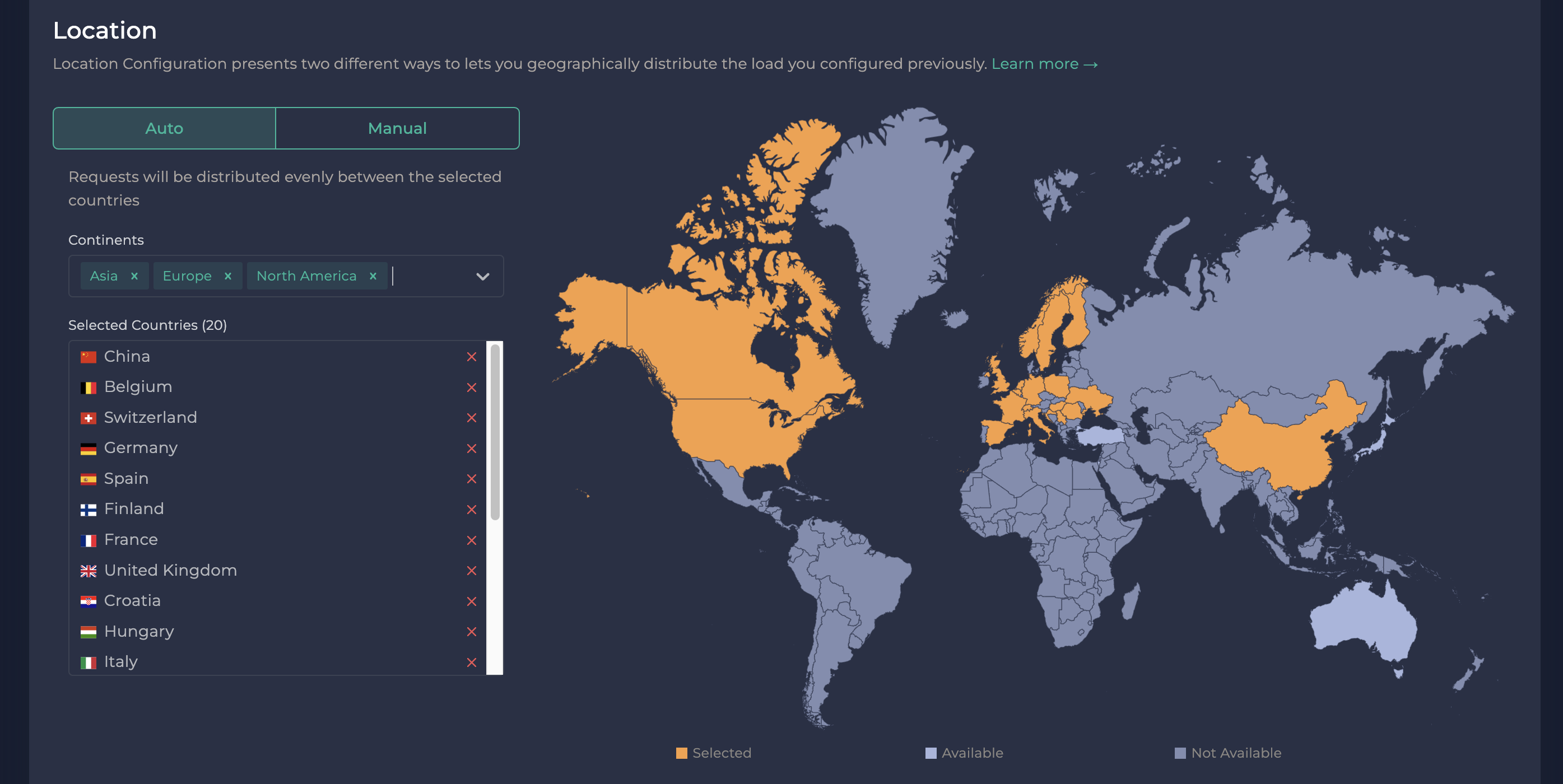
Opt for auto mode when you prefer not to allocate load volumes for individual countries. In this mode, Ddosify evenly distributes the load across your chosen countries. For instance, if you select 5 countries and have a total of 100 iterations, Ddosify sends 20 (100/5) iterations from each location.
### Manual Distribution
Choose this mode if you prefer to personally allocate the load across different countries. This option provides you with greater control over the distribution of the load.